Overlays & theming
Complete overlay URL catalog, Theme & Branding editor, team logos, name formatting, and scoreboard docking.
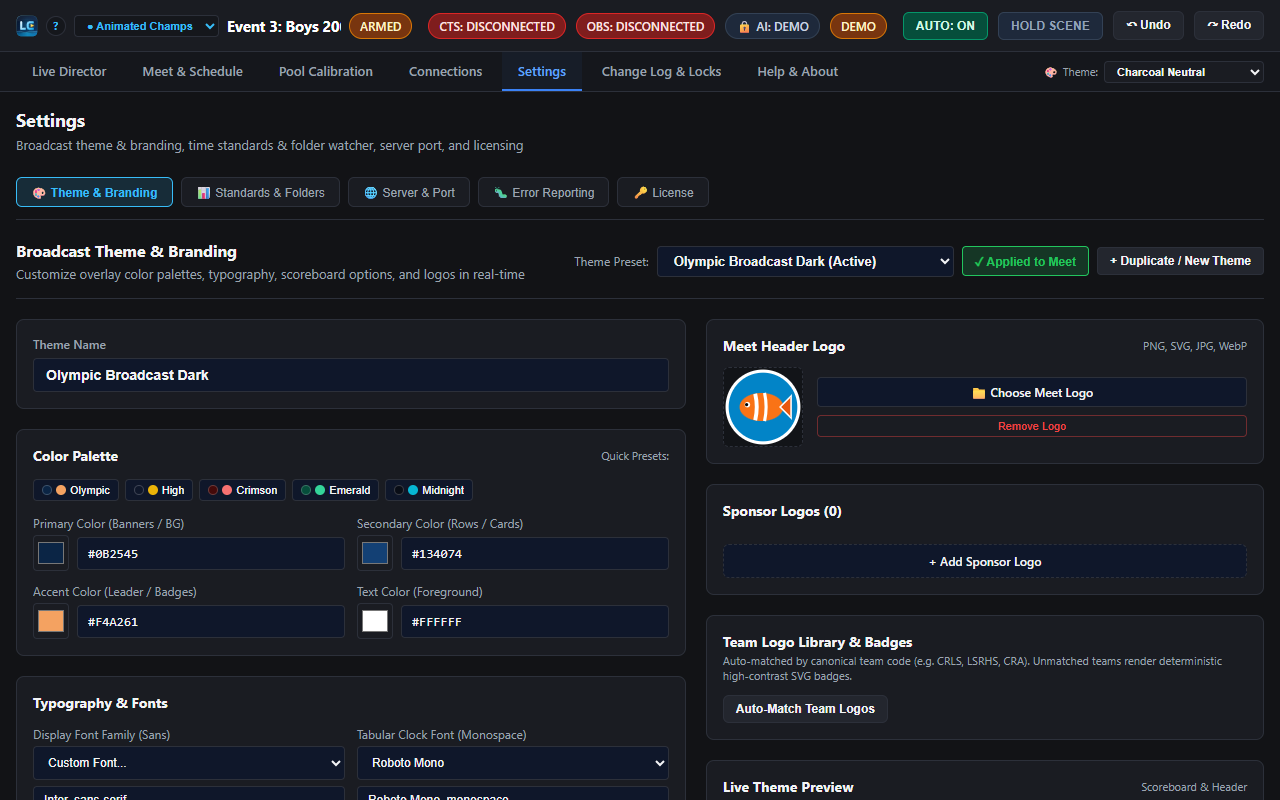
Customize the visual appearance of every broadcast graphic in Settings → 🎨 Theme & Branding.
Overlay URL catalog #
| URL | Purpose |
|---|---|
http://localhost:4780/live |
Mobile-friendly LAN live results & QR spectator page |
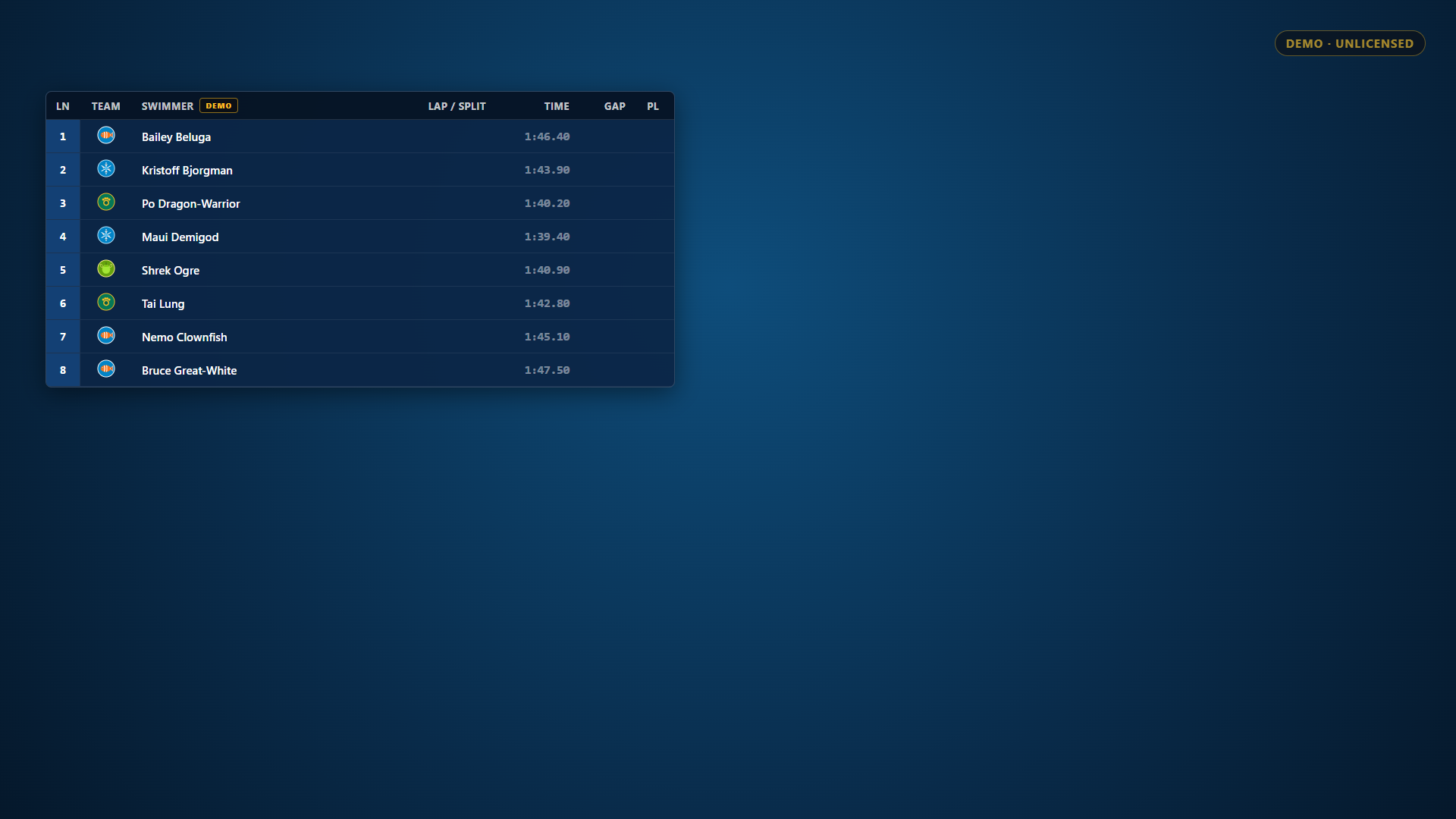
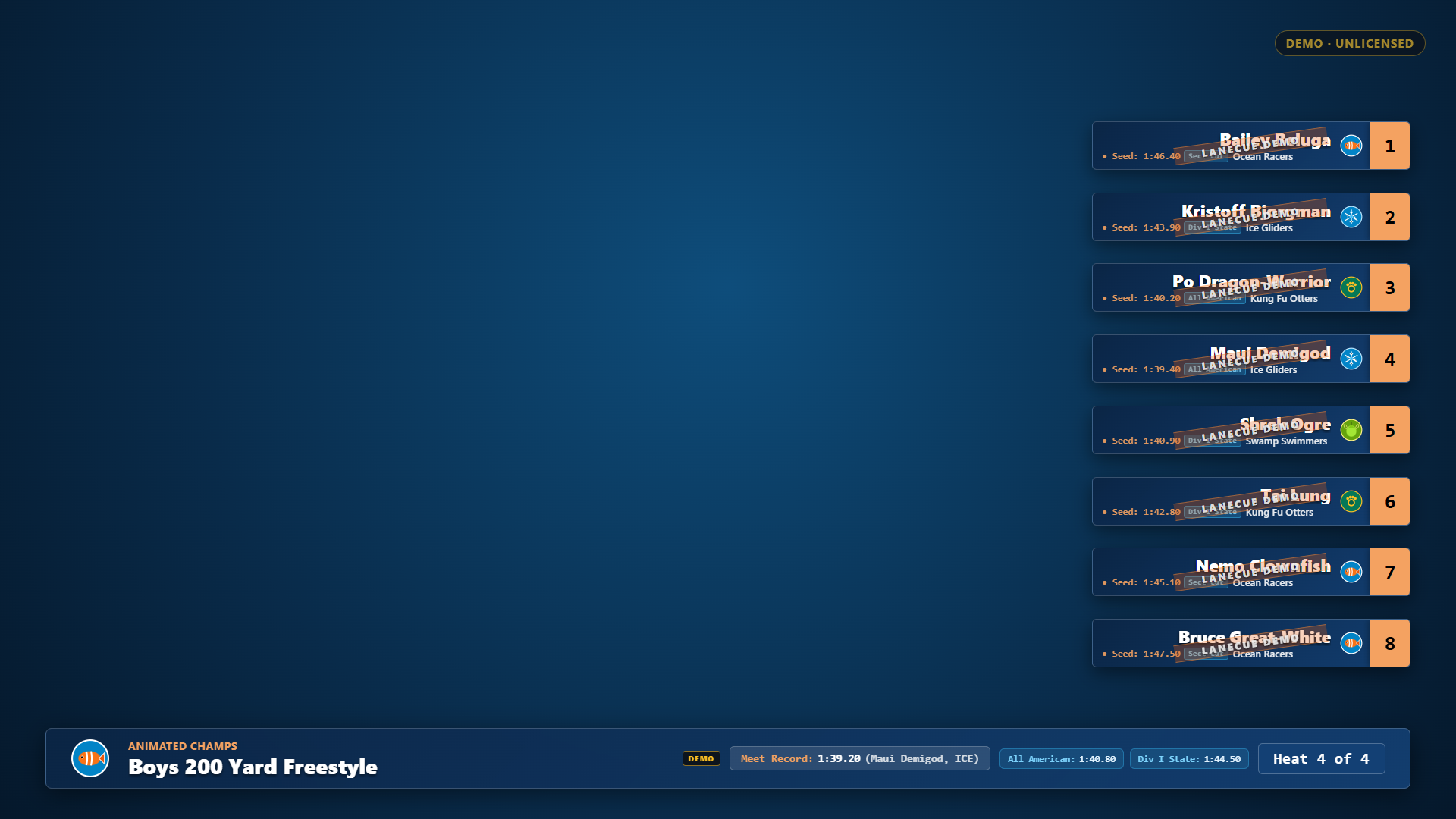
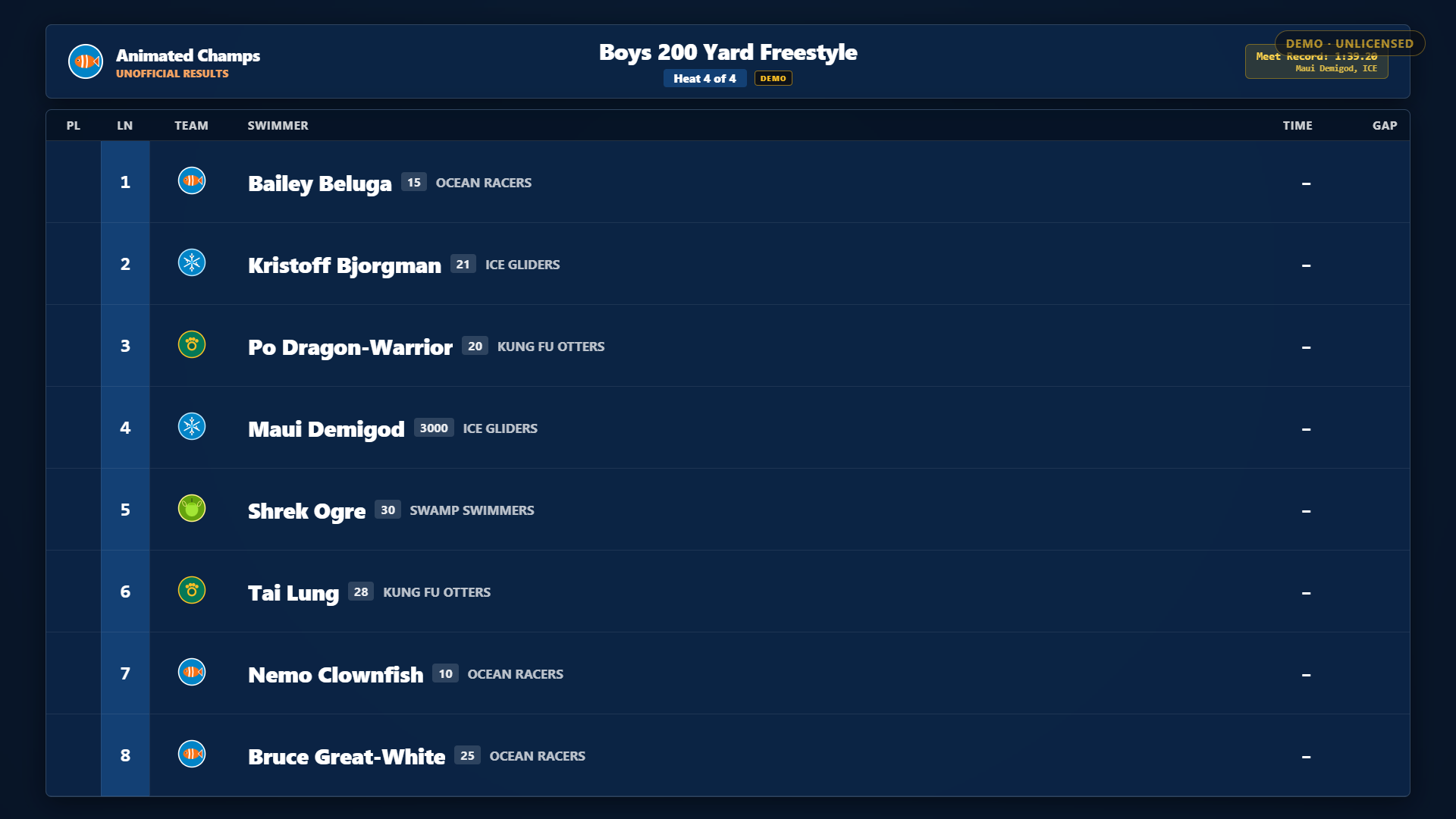
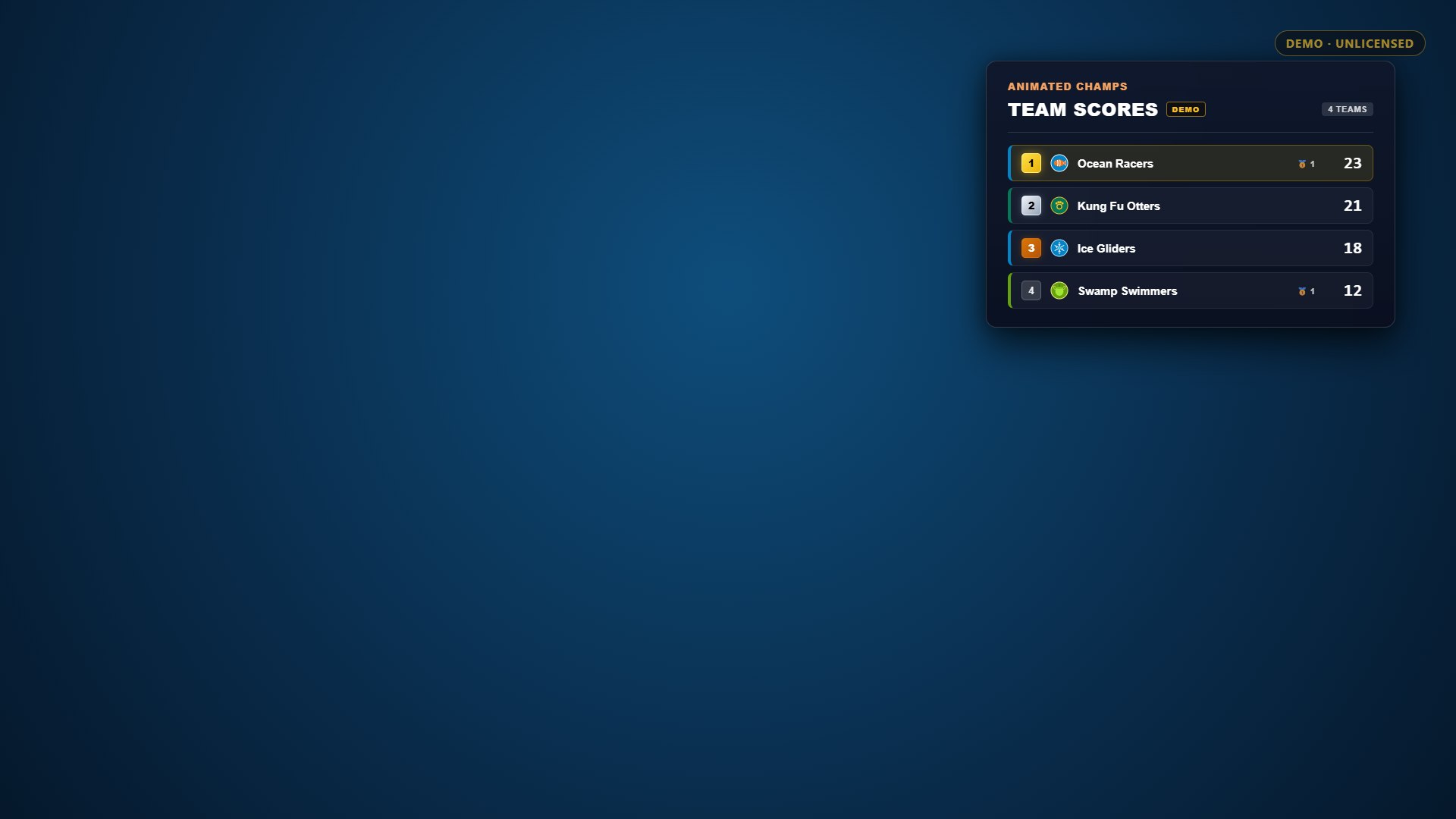
Sample broadcast overlays #
Theme & Branding editor #
In Settings → 🎨 Theme & Branding:
- Colors & Typography: Customize primary navy/accent colors, backgrounds, and font families.
- Meet Logo & Sponsors: Upload a meet/broadcast logo and sponsor rotation graphics.
- Name Formatting: Choose how swimmer names appear (
First Last,Last, First, orF. Last). - Scoreboard Docking: In compact-side mode,
ScoreboardOverlayautomatically docks on the opposite side of the frame from your pool profile'sstartSideso it never blocks the starting blocks.